Turn any song into a music video
Drop in a track. makemusic.video maps every kick, snare and bar, then drives live 3D visuals that hit exactly on the beat.
Drop in a song
MP3, WAV, M4A — anything your browser can play. The file never leaves your device.
Every beat gets mapped
Kicks, snares, hi-hats, bars and tempo are detected in a few seconds, right in your browser.
Pick a look and play
Choose from 24 shaders, tune how hard they hit, and go fullscreen.
Visuals that hit on the beat
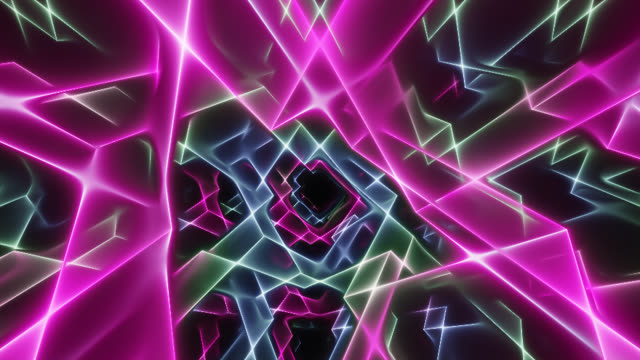
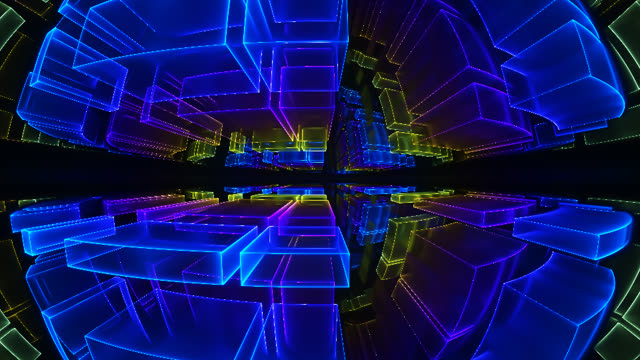
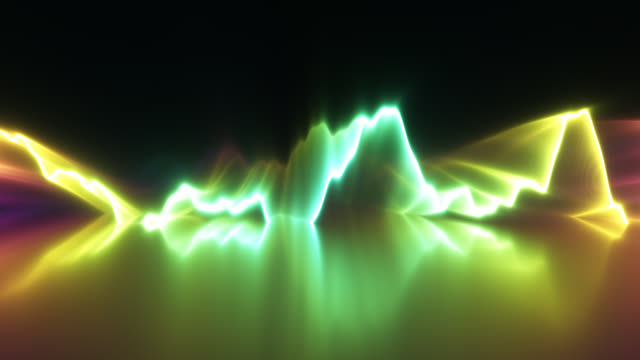
Raymarched 3D shaders, each wired to kicks, snares, hats and bars. Pick one, then tune how hard it reacts.
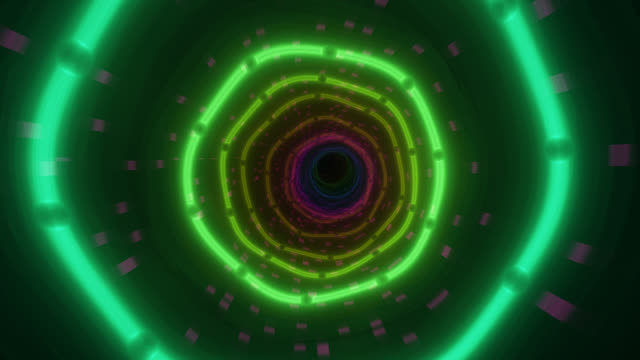 Beat-syncedOpen in studio →
 Beat-syncedOpen in studio →
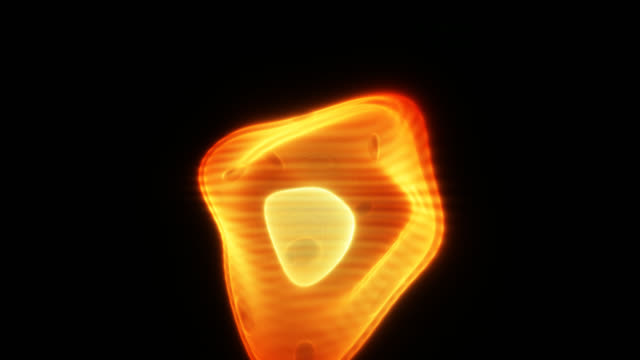 Beat-syncedOpen in studio →
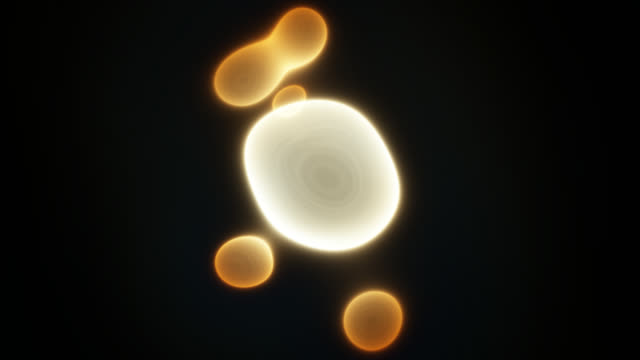 Beat-syncedOpen in studio →
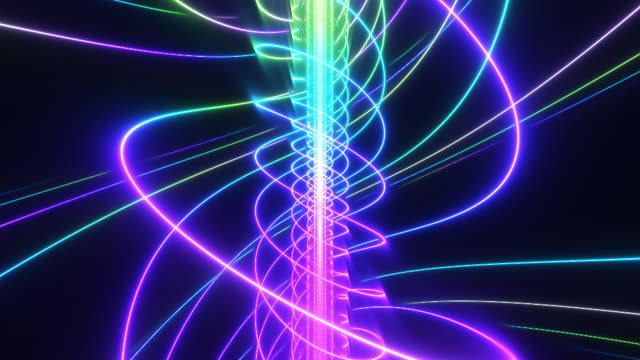 Open in studio →
 Open in studio →
 Open in studio →
 Open in studio →
 Open in studio →
 Open in studio →
 Open in studio →
 Open in studio →
Everything moves with the music
The whole track is mapped before it plays, so every hit lands on the frame you hear it — not a beat later.
Kicks punch
The camera lurches forward and the scene flashes on every kick.
Snares tear
Claps and snares ripple, fold and rip through the geometry.
Hi-hats sparkle
Fast, tiny flickers of light ride the hats and cymbals.
Bars shift color
The palette slides to a new hue on every downbeat.
Questions
Is it free?
Yes. No account, nothing to install — open the studio and drop in a song.
Does my music get uploaded anywhere?
No. The audio is decoded, analyzed and rendered entirely in your browser. Nothing is sent to a server.
Which audio files work?
MP3, WAV, M4A/AAC and most other formats your browser can play. Safari can be picky about OGG and FLAC.
How does it stay in sync?
The whole track is analyzed up front — every kick, snare, hat and beat gets a timestamp — and the visuals follow the exact moment the audio reaches your speakers. If you use Bluetooth headphones, a visual offset slider lets you compensate for their delay.
Can I export a video?
Not yet — it’s next on the list. For now you can play fullscreen and screen-record.
Can I make my own visuals?
Yes. The studio has a GLSL editor with live audio uniforms (kick, snare, beat, bass…). ShaderToy code with mainImage() works as-is.
What do I need to run it?
A recent desktop browser with WebGL 2: Chrome, Edge, Firefox or Safari 15+. A dedicated GPU helps but isn’t required.
Make your music video
Drop in a song and watch it come alive in a few seconds. Free, with nothing to install.